
Writing a comprehensive test suite from scratch is slow, and it's usually the paths nobody clicks through in a demo, the retry logic, the validation errors, the edge case a support ticket surfaces six months later, that end up untested. AI Test Suites takes a different approach: instead of asking you to write tests up front, DebuggAI crawls your deployed app, maps it into a knowledge graph of pages and states, and validates each one against a goal. When a validated state is worth protecting, you lock it, and that generates the actual functional test and Playwright code behind it.
How it works
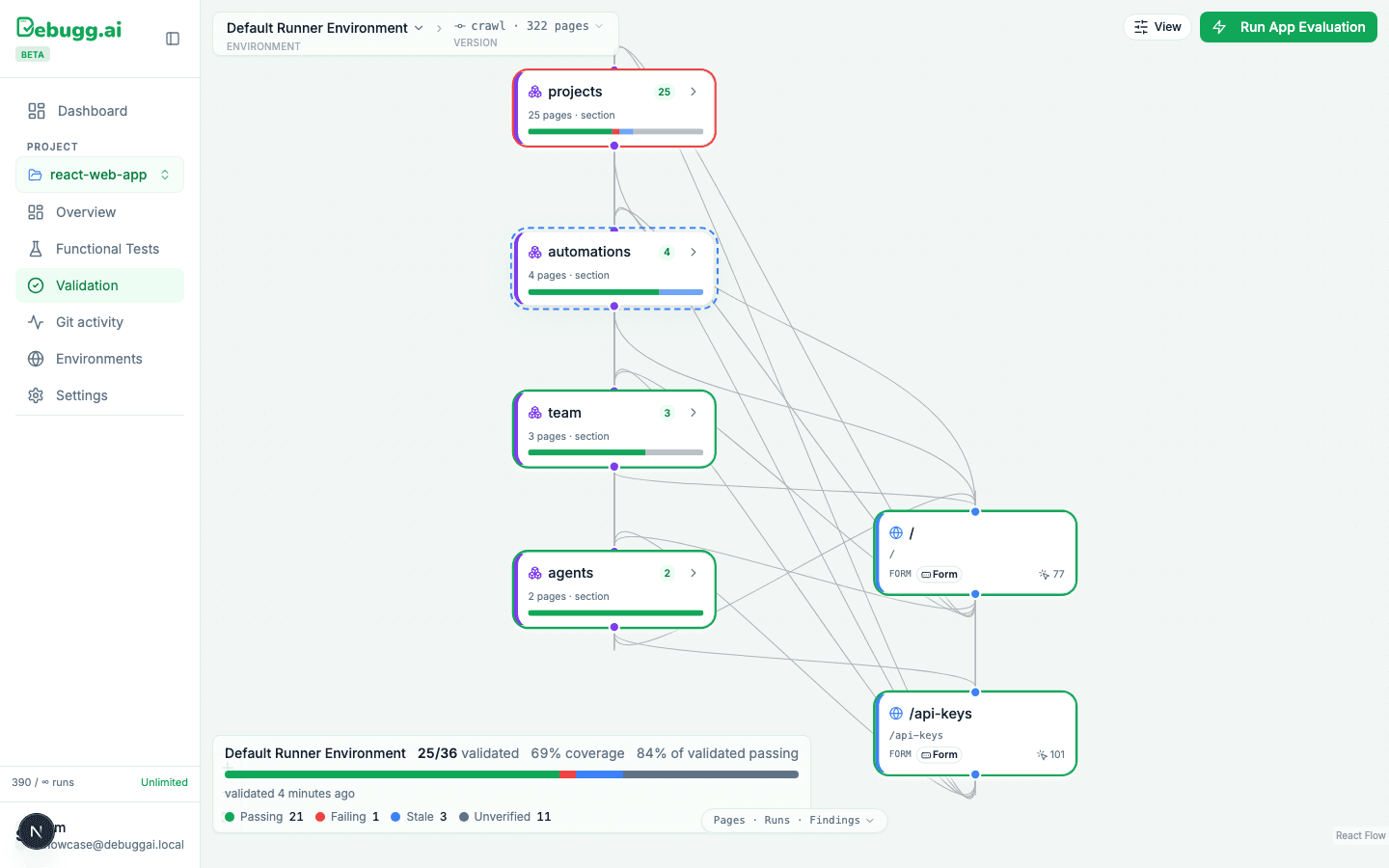
- Crawl. Point DebuggAI at a deployed environment and it maps your app: every page, every form, every section, how they connect. On our own dashboard product, this has mapped 325 pages at 92% coverage, no manual sitemap, no config.
- Validate. Each mapped page or UI state gets checked against a goal by an automated run and comes back Passing, Failing, Stale, or Unverified. A real environment we looked at showed 25 of 36 states validated, 69% coverage, 84% of validated states passing.
- Lock. From the state detail (elements, connections, run history, source), you lock the branch worth protecting.
- Generate. Locking a validated branch is what turns it into a real functional test, backed by real Playwright code, tracked under Functional Tests going forward.
That's the actual mechanism. It's not a passive SDK watching function calls in the background, it's an explorable map of your app you validate and lock over time.
What the knowledge graph actually looks like
This is a real project's knowledge graph, sections and pages of an actual product connected by real navigation, each one carrying its own coverage bar and pass/fail count:
What a single page's validation looks like
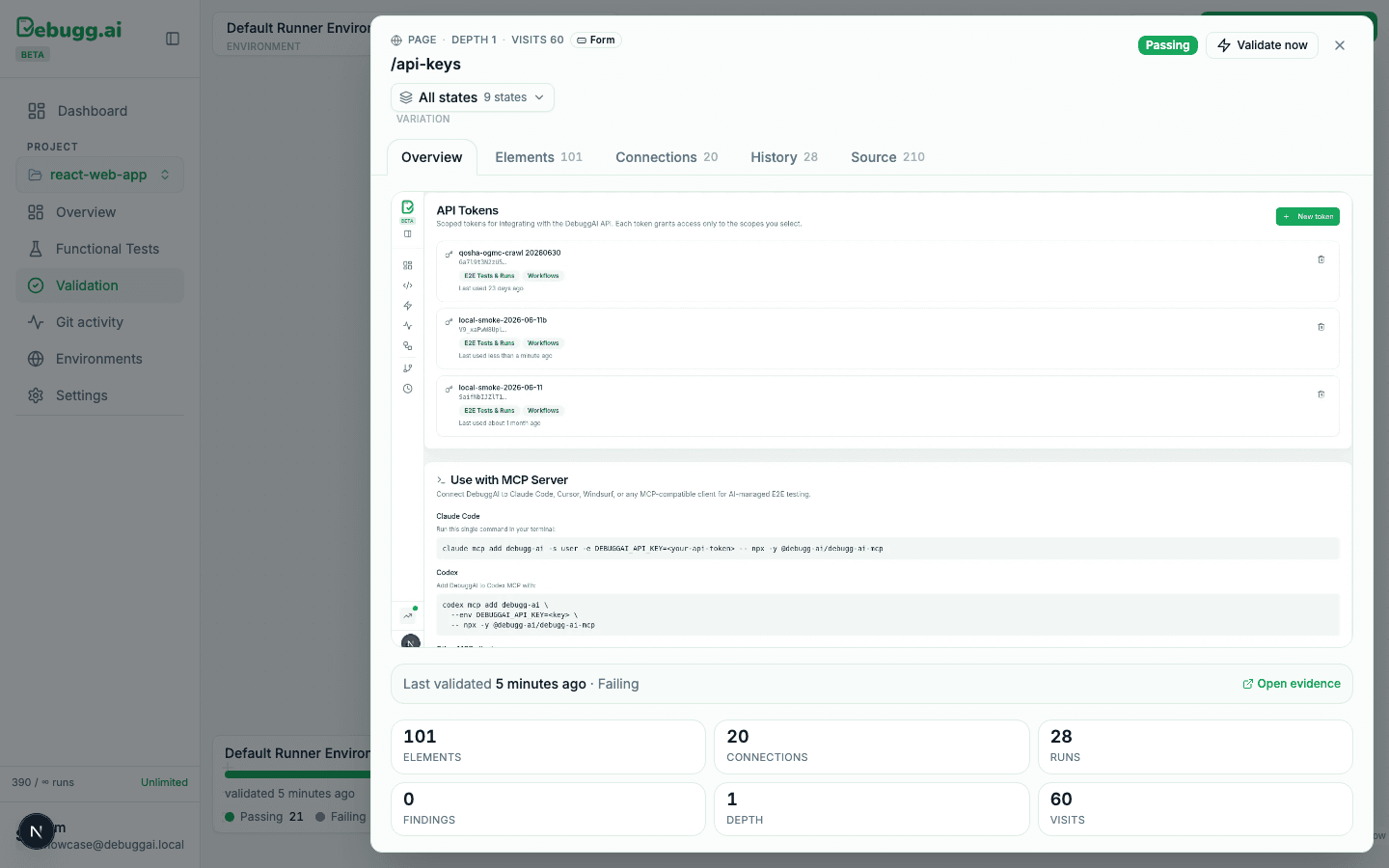
Click into any page and you get the full picture: a live preview of the page itself, how many elements and connections it has, its run history, and its current verdict. Here's the real /api-keys page's validation detail, 101 elements, 20 connections, 28 runs, last validated a few minutes before this screenshot:
Coverage isn't binary
A freshly connected project doesn't jump straight to 100% passing. The real dashboard we pulled these numbers from also shows the honest version: 63 failed executions against 50 passed ones over the same week, because coverage grows as you validate and lock more of the app, not all at once. That's a feature, not a gap, you decide what's worth locking down first.
Where locked tests end up
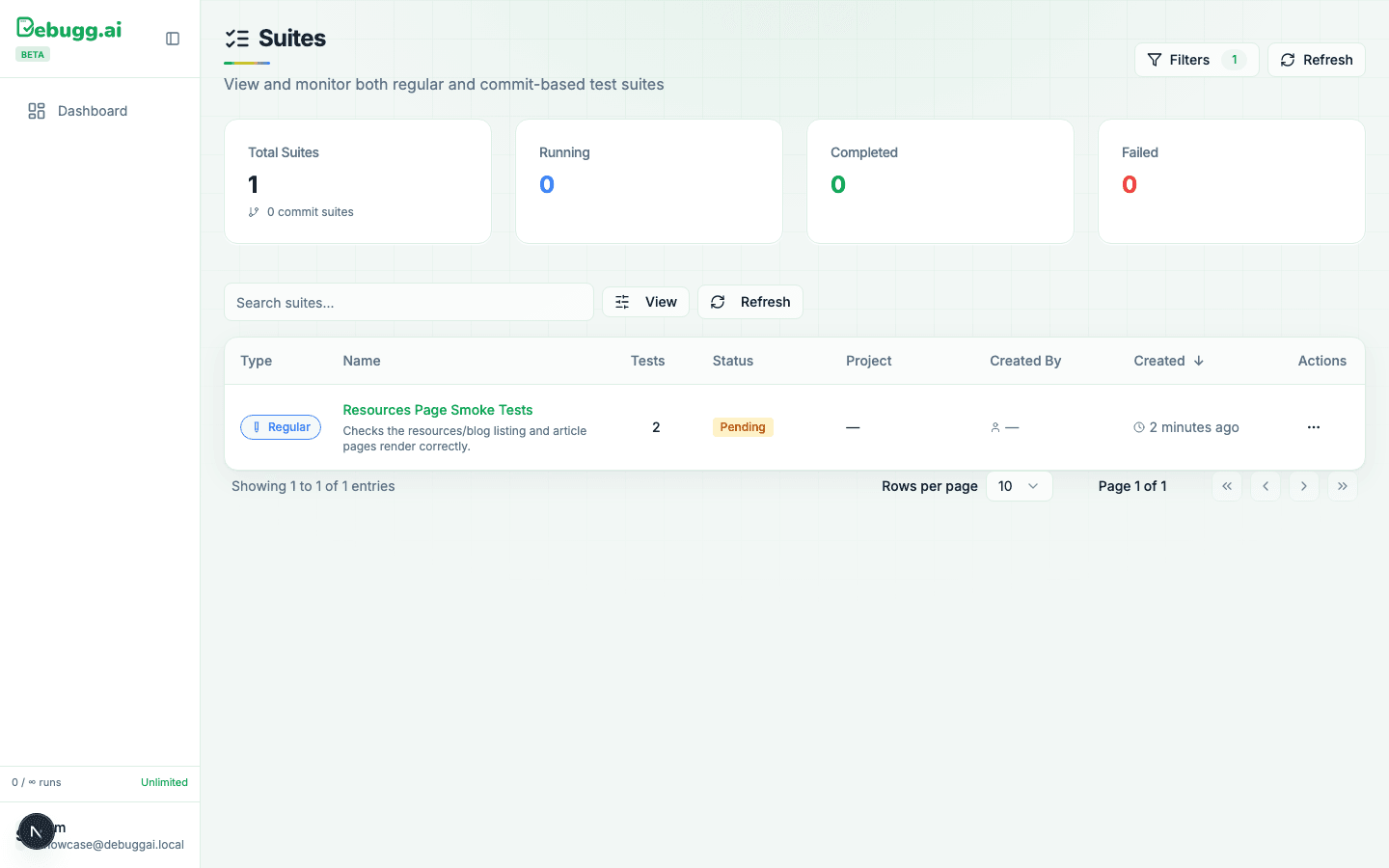
Once something is locked, it lives under Functional Tests, alongside its runs and its history. Screen recording.
Review before you lock
A validated state isn't automatically worth locking. Treat it the way you'd review any generated test:
- Check that the goal it validated against actually matches the behavior you care about.
- Don't lock a state just because it's passing, lock the ones that would actually hurt if they broke.
- Revisit stale states. A state that hasn't been validated recently isn't the same as one that's currently passing.
When to use this vs PR Copilot
Both run on the same underlying crawl-and-validate engine, they just trigger differently. PR Copilot reacts to every push, targeted at what the diff likely touches. AI Test Suites is the persistent, explorable map of your whole app that you build up and lock down over time, so the two compound: PR Copilot catches regressions in what just changed, AI Test Suites is where your durable, browser-verified regression coverage actually lives.
For a closer comparison, see PR Copilot vs AI Test Suites: Where to Start.