
Most teams don't skip end to end testing because they don't believe in it. They skip it because writing and maintaining a Playwright suite for every new feature is its own part time job, and nobody signed up for that. PR Copilot is built to remove that tradeoff: you install a GitHub App once, and from then on every pull request gets real browser tests generated and run automatically, with results posted back as a comment before you even ask for a review.
Here's what it does, how to install it, and what to expect on your first pull request.
What PR Copilot actually does
On every push, DebuggAI clones your repo, builds it, and spins up your app in a live, isolated environment behind a secure tunnel. An AI agent reads the git diff to figure out what actually changed, then generates a targeted Playwright test plan and runs it against that running instance, in a real browser, not a headless approximation of one.
The result comes back as a PR comment: pass or fail, plus screenshots and video of what the browser actually saw. You're not reading a stack trace and guessing. You're watching the click that failed.
Installing it
There's no config file to write and no code to change.
- Go to the PR Copilot install page and authorize the DebuggAI GitHub App.
- Select the repositories you want covered. You can scope it to one repo or your whole org.
- That's it. The next push or pull request triggers a run.
Total setup time is about two minutes, most of which is GitHub's OAuth screen.
What happens on your next PR
- You push a commit or open a pull request.
- DebuggAI analyzes the diff to identify what changed and which user flows it likely affects.
- It generates a Playwright test plan scoped to that change and runs it in a secure remote browser against a live build of your branch.
- Results land as a comment on the PR: status, screenshots, and video, so you can see exactly what ran.
If nothing in the diff touches a testable flow, you won't get spammed with irrelevant runs. The point is targeted coverage, not a blanket retest of your entire app on every typo fix.
Reading the results
A failing run isn't automatically a broken build. Treat it the way you'd treat a failing CI check written by a teammate:
- Look at the screenshot or video first. Most failures are obvious once you see the actual browser state, a modal that didn't close, a button that's still disabled, a redirect that landed on the wrong page.
- Re-run if it looks like a timing issue. Real browsers occasionally hit real flakiness, same as any E2E suite.
- If it's a genuine regression, fix it before merge. That's the entire point: catching it here is a lot cheaper than catching it in production.
Supported stacks
PR Copilot tests anything that renders in a browser, which covers most modern frontends without extra configuration:
| Framework | Notes |
|---|---|
| React | Fully supported |
| Next.js | Fully supported, including SSR routes |
| Vue | Fully supported |
| Angular | Fully supported |
| Svelte | Fully supported |
| Vanilla JavaScript | Fully supported |
If it runs in a browser, it can be tested.
Isolation and security
Each run happens in its own temporary environment that's wiped after the test finishes. DebuggAI doesn't store your source code, and connections run over encrypted tunnels. You're not handing over a copy of your codebase, you're giving a test agent a short-lived window into a build that already exists on your infrastructure.
See the real dashboard
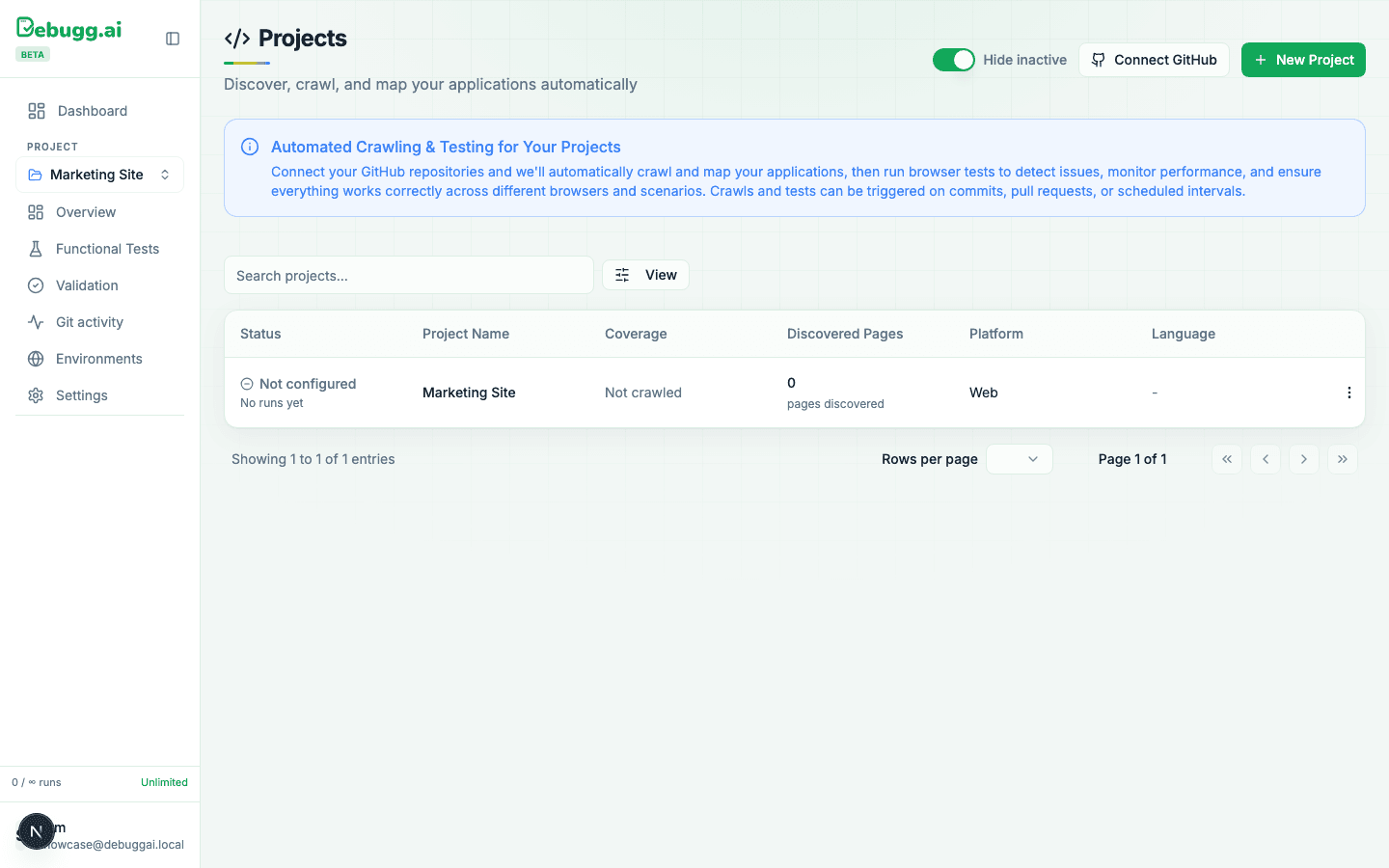
Screenshots only go so far, so here's an actual screen recording of the DebuggAI dashboard: logging in, the projects list, a test suite, and the API keys page: Screen recording. No cuts, no staged data, just the actual product.
Where to go from here
PR Copilot catches regressions in the flows a real user would hit. If you also want lasting regression tests generated from how your app actually behaves under real usage, including backend logic and error handling that a UI click-through won't exercise, pair it with AI Test Suites. The two are designed to be used together, not as alternatives to each other.