
Both products run on the same DebuggAI account and the same crawl-and-validate engine under the hood, they just point it at your app differently. But they solve different problems day to day, and teams evaluating DebuggAI for the first time usually want a straight answer on which to set up first.
PR Copilot, in one paragraph
Install a GitHub App, and every push gets analyzed for what changed, a targeted Playwright test plan gets generated and run against a live, isolated build of your branch, and the result, pass or fail, with screenshots and video, lands as a comment on the pull request. No config file, no code changes, about two minutes to set up. See the full setup guide.
AI Test Suites, in one paragraph
DebuggAI crawls your deployed app into a knowledge graph of pages and states, validates each one against a goal, and when a validated state is worth protecting, you lock it. That lock is what generates the actual functional test and Playwright code behind it, tracked from then on. The output lives in your dashboard as a durable, browser-verified map of what you've decided matters, not a one-off run. See the full setup guide.
Side by side
| PR Copilot | AI Test Suites | |
|---|---|---|
| Trigger | Every push or pull request | You crawling and validating a deployed environment |
| What it tests | Whatever the diff likely touches, on that push | Any page or state in the app, mapped ahead of time |
| Output | Pass/fail, screenshots, video, posted to the PR | A knowledge graph of validated states you lock into durable tests |
| Setup effort | Install a GitHub App, no config | Point it at an environment, validate, lock what matters |
| Best for | Catching regressions in what just changed | Building a durable, explorable map of what's actually protected |
| Blind spot | Only sees what a diff triggers a run against | Coverage is only as good as what you've validated and locked |
The honest answer
Start with PR Copilot. It requires the least setup, gives you signal on your very next pull request, and catches the class of bug that's most expensive to find late: something that looks fine in the code but breaks the moment a real browser clicks through it.
Add AI Test Suites once you want a standing map of your whole app, not just what a diff touches, and you want to decide deliberately which parts of it are locked down and which are still unverified.
See both in the same dashboard
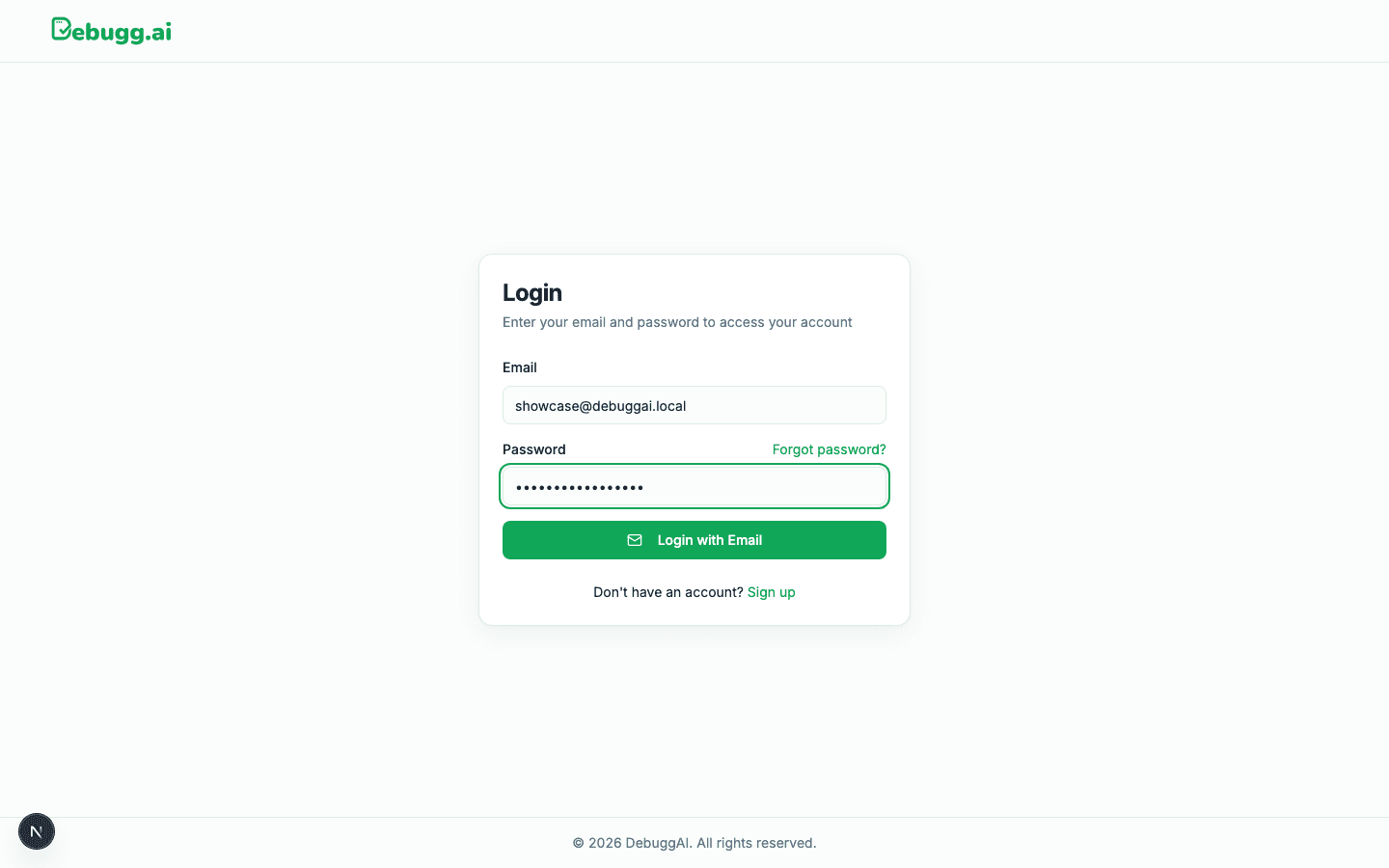
Screen recording, login, projects, a test suite, and the API keys page, all in one account, one login, no separate tools to reconcile.
Can you run both?
Yes, and most teams that use DebuggAI seriously end up doing exactly that. They're not competing approaches, they're the same engine pointed at two different rhythms: PR Copilot reacts to what just changed, AI Test Suites is the persistent map you build up and lock down over time. Run them together and the gap between "CI passed" and "it actually works" gets a lot smaller.